Quick verdict
The RG35XX H is easy to like because it gets the basics right: horizontal comfort, dual analog sticks, a clear 3.5-inch IPS display, HDMI output, Wi-Fi, Bluetooth and a Linux-based system that supports a wide range of classic emulators.
It is best for NES, SNES, Genesis, Game Boy, GBA, PS1, arcade and lighter Dreamcast or PSP titles. It is not a magic machine for every PSP, Dreamcast or Nintendo DS game, so buy it for retro comfort first, not for perfect high-end emulation.
Players who want a small handheld for classic games, quick travel sessions, TV output and simple controller support without building a setup from scratch.
Design, controls and screen
The horizontal shape is the main reason this model stands out from the vertical RG35XX-style devices. It feels closer to a small modern controller, with a D-pad, A/B/X/Y buttons, shoulder buttons and dual sticks in a layout that makes arcade, platform and racing games easier to play.
The 3.5-inch IPS screen uses a 640 x 480 resolution with full viewing angles and OCA lamination. That 4:3 shape is a strong match for older systems, especially 8-bit, 16-bit, arcade and PS1 games.
Performance and battery life
Inside, the RG35XX H uses the H700 quad-core ARM Cortex-A53 processor at 1.5GHz, a dual-core G31 MP2 GPU and 1GB of LPDDR4 RAM. That hardware is strong for traditional retro platforms and gives PS1 a smooth, comfortable feel.
For PSP, Dreamcast and Nintendo DS, expectations matter. Many games are playable, but heavier titles may need settings changes or may not feel perfect. The single screen also means DS games work best when they do not depend heavily on constant dual-screen interaction.
The 3300mAh battery is rated for up to 8 hours. Real play time depends on brightness, volume, Wi-Fi, Bluetooth and the emulator being used, so a practical range of 6 to 8 hours is the safer expectation.
Games and emulators
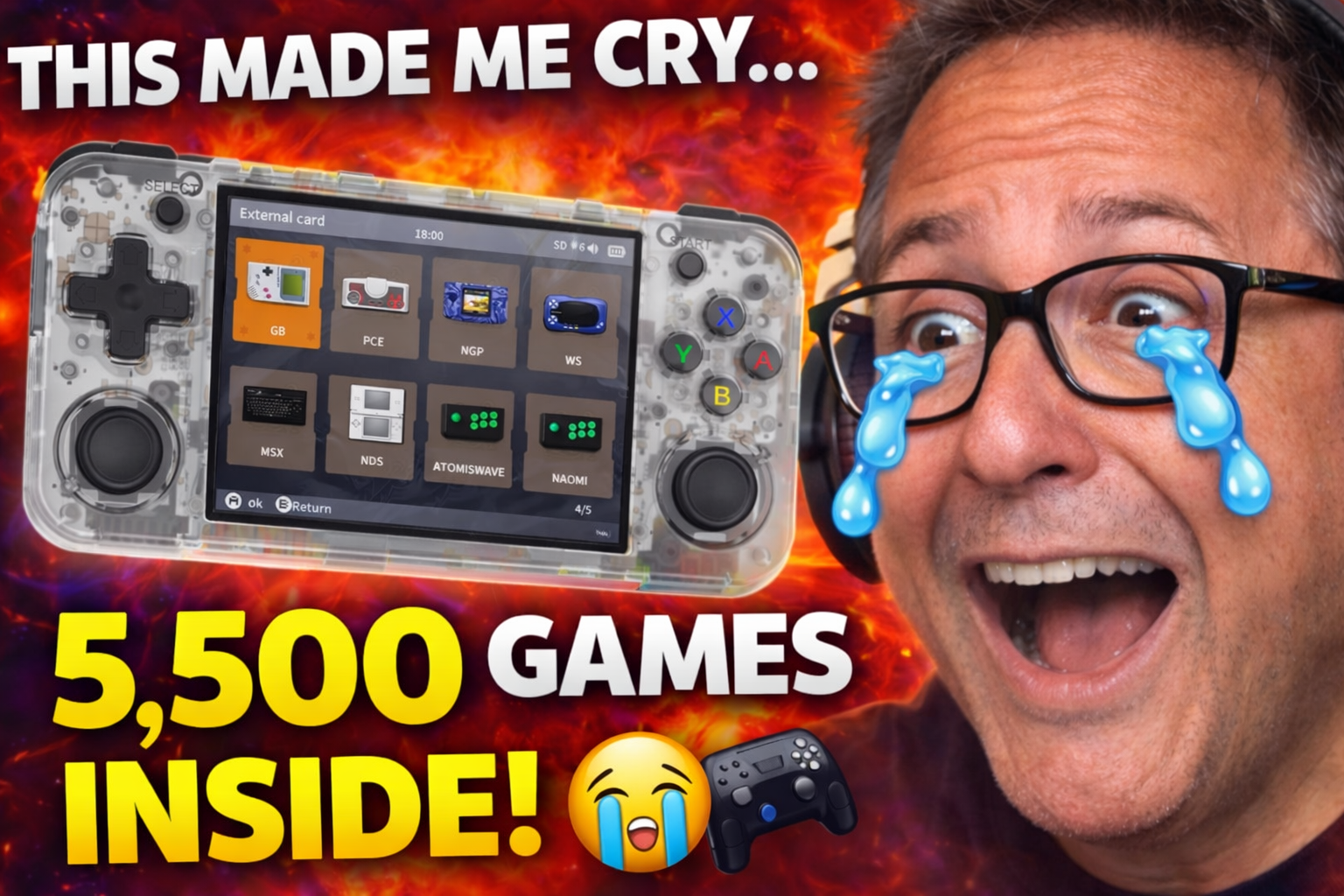
Some bundles advertise more than 5,500 preloaded games, but the exact library depends on the seller and microSD card package. The more reliable way to judge the handheld is by the systems it supports and how comfortable it is to manage your own legal game backups.
Strong fit
- NES, SNES, Genesis / Mega Drive and Game Boy systems.
- Game Boy Advance, PS1 and many arcade classics.
- Short sessions where save states and favorites make browsing faster.
Know the limits
- Not every PSP or Dreamcast game will run perfectly.
- Nintendo DS is playable, but single-screen controls are a compromise.
- Preloaded libraries can vary by seller, region and storage option.
Adding more games
- Use legally backed-up ROMs.
Start with games you own and files that match the emulator format supported by the handheld.
- Prepare a microSD card.
The RG35XX H has two card slots and supports expansion, so you can keep system files and games organized.
- Copy files into the right system folders.
Place each game in the folder for its console so the launcher can detect it correctly.
- Refresh and favorite your best games.
After scanning, use favorites to avoid digging through thousands of titles every time you play.
Watch the review
English video - MEDIABOXENTLAB
Spanish video - MediaBoxENT
FAQ
Can the RG35XX H save progress?
Yes. Emulators usually support save states, which are especially useful for arcade and older console games that did not originally save anywhere.
Can I use Bluetooth headphones or controllers?
The device supports Bluetooth 4.2, including Bluetooth controller support. Headphone behavior can depend on the firmware and setup, so check your current system build if audio is important.
Is it worth buying?
Yes, if you want a compact retro handheld for classic systems, PS1 and lighter PSP or Dreamcast games. Skip it if your main goal is flawless PSP, Dreamcast or DS performance.