What this guide covers
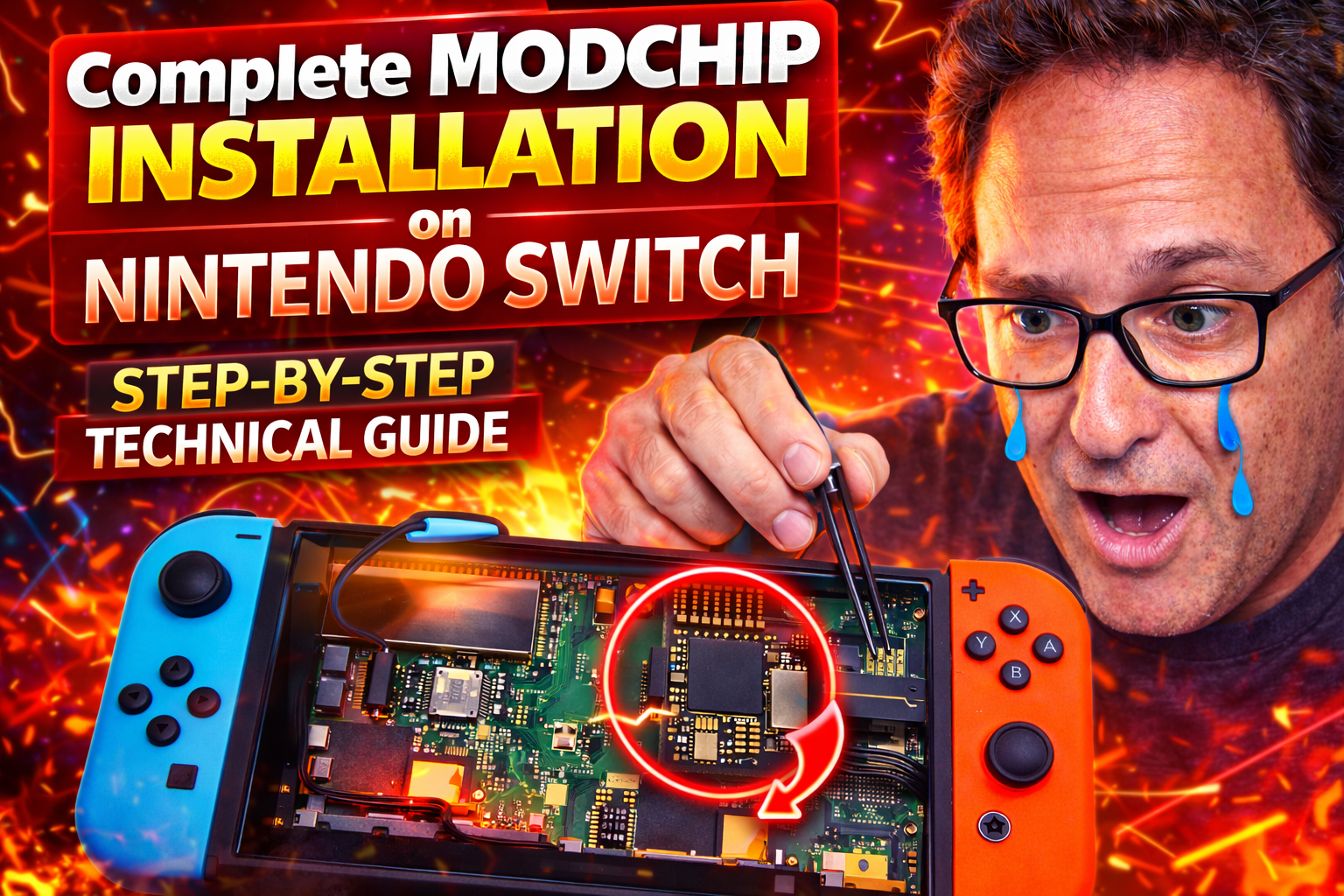
This video walks through a full hardware modchip installation on a Nintendo Switch model that cannot be modified through the simple software-only path. The focus is education, repair awareness, preservation and legal homebrew use on hardware you own.
The tutorial is split into four big parts: checking whether your Switch is patched, flashing the Picofly Core firmware, installing the chip inside the console, and preparing the software environment on the microSD card.
This article does not provide or link to pirated games, copyrighted firmware dumps, license bypass tools or illegal software. Modifying a console can void the warranty, damage the board, get accounts or consoles restricted online, or permanently brick the device if done incorrectly.
Before you start
This is not a beginner soldering project. The points are extremely small, and the MediaBoxEnt team recommendation in the video is simple: do not try this without a microscope and real soldering confidence.
You should be comfortable with opening electronics, disconnecting a battery before working, cleaning thermal paste, using flux, checking for shorts and accepting that a mistake can kill the console.
No piracy links. No copyrighted game downloads. No license bypass support. Keep it educational and legal.
Compatibility: patched or unpatched?
The first decision is whether your Switch can use a software method or whether it needs a hardware modchip. Early HAC-001 units may be unpatched, while later HAC-001(-01), Lite and OLED models generally require a modchip route.
Use the serial-number tools linked below before buying parts. If your serial prefix is not listed on the compatibility checker, the console is usually treated as patched and the hardware route is the practical option.
Software path
Some early Switch units can enter RCM through a software-oriented workflow. That route is not covered in this video because the demo console requires a modchip.
Hardware path
Patched Switch, Switch Lite and OLED models usually need a board-specific modchip such as Picofly Core. The exact ribbon/version depends on the board you find after opening the console.
Parts and tools used
These are the parts and tools mentioned in the video. The modchip and microSD card matter, but the microscope, flux, fine solder and cleaning supplies are what make the job realistic.
Installation workflow
The article keeps the steps high-level so the page stays safe and readable. Follow the video for the visual walkthrough and stop if your board layout does not match what you see.
- 1. Flash the Picofly Core first.
Connect the chip to the computer, enter reboot mode, copy the Picofly firmware file to the detected drive and disconnect it once the copy finishes.
- 2. Open the Switch and disconnect the battery.
Organize every screw by section, remove the rear cover and shields, disconnect the battery, clean old thermal material and expose the area needed for the install.
- 3. Fit the correct chip/ribbon version.
After opening the console, compare the board layout with the Picofly Core V1/V2, Lite or OLED diagrams. The soldering target changes by revision.
- 4. Inspect, insulate and reassemble.
Check every joint under magnification, clean flux residue, protect the area with thin insulating tape, apply fresh thermal paste and reassemble carefully.
Software and microSD setup
Use a real, fast microSD card from a reliable seller. Fake cards can show a large capacity but fail during setup, backups or game installation.
The HATS package is used in the video because it bundles the files needed for the boot environment. Copy the extracted files to the root of the microSD card, then use the Switch boot tools to partition the card, create backups and set up emuMMC.
Launch modes explained
Semi-stock
Closest to normal Nintendo behavior. Use it for original cartridges, purchased games and online play without installing unofficial content.
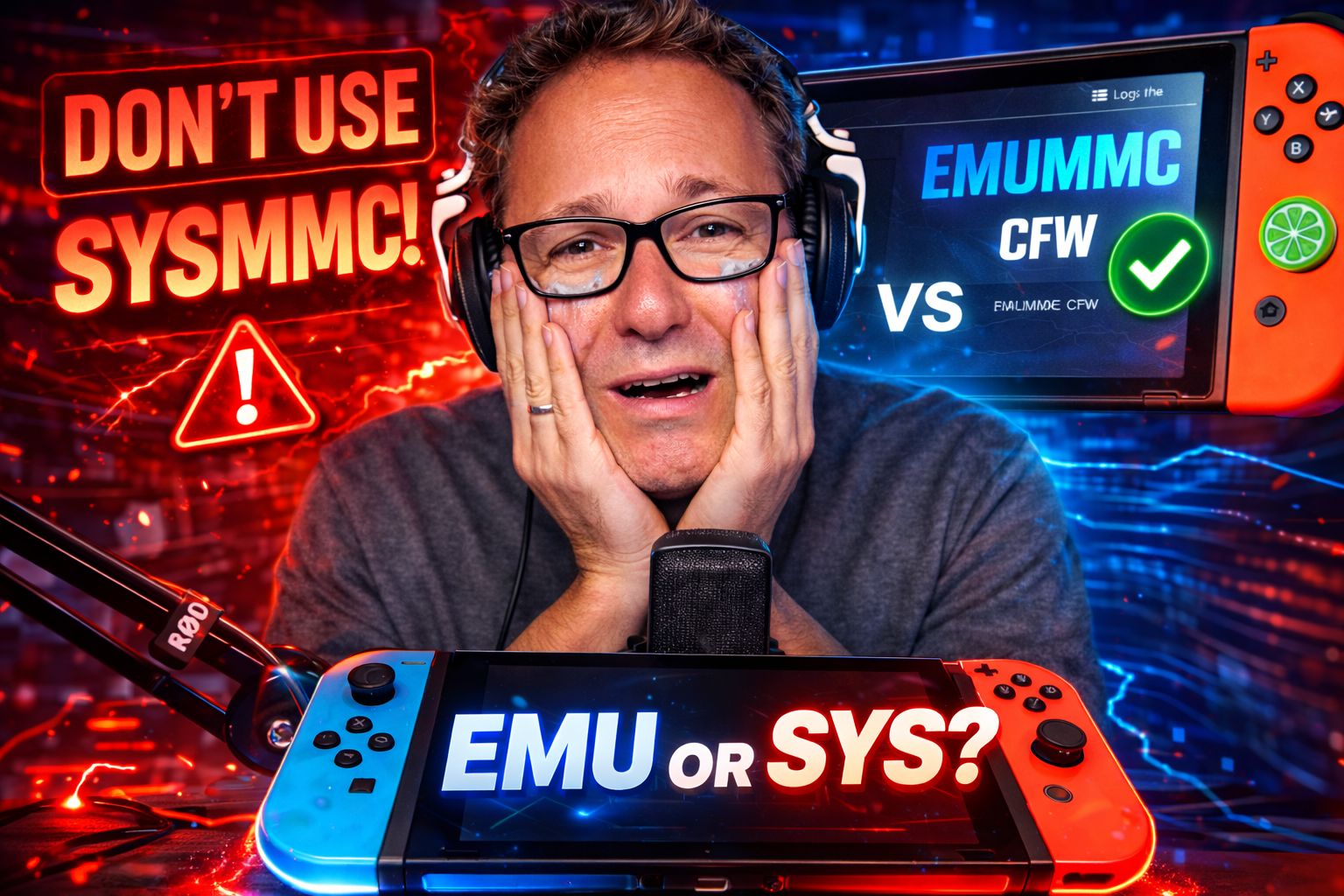
SYSMMC CFW
Runs custom firmware on the internal system memory. This carries the highest online-ban and system-contamination risk if used carelessly.
EMUMMC CFW
Runs from the microSD card environment. This is the safer practical choice for offline homebrew and testing because changes stay separated from the internal system.
Watch the full tutorial
English video - MEDIABOXENTLAB
Spanish video - MediaBoxENT
Extra warning video
Useful links
Guides and software
Parts list
Affiliate product links are listed in the parts section above.
FAQ
Can every Nintendo Switch be modified the same way?
No. The method depends on the serial number, board revision and model. Check compatibility before buying a chip or opening the console.
Can I do this without a microscope?
The MediaBoxEnt team answer in the video is no. The soldering points are too small for a reliable first attempt without magnification.
Can I ask for game download links?
No. MediaBoxEnt does not provide links to pirated games, copyrighted dumps or illegal software. Use your own legally owned content and legal homebrew.