
Quick answer: buy Cat6a for most new installs
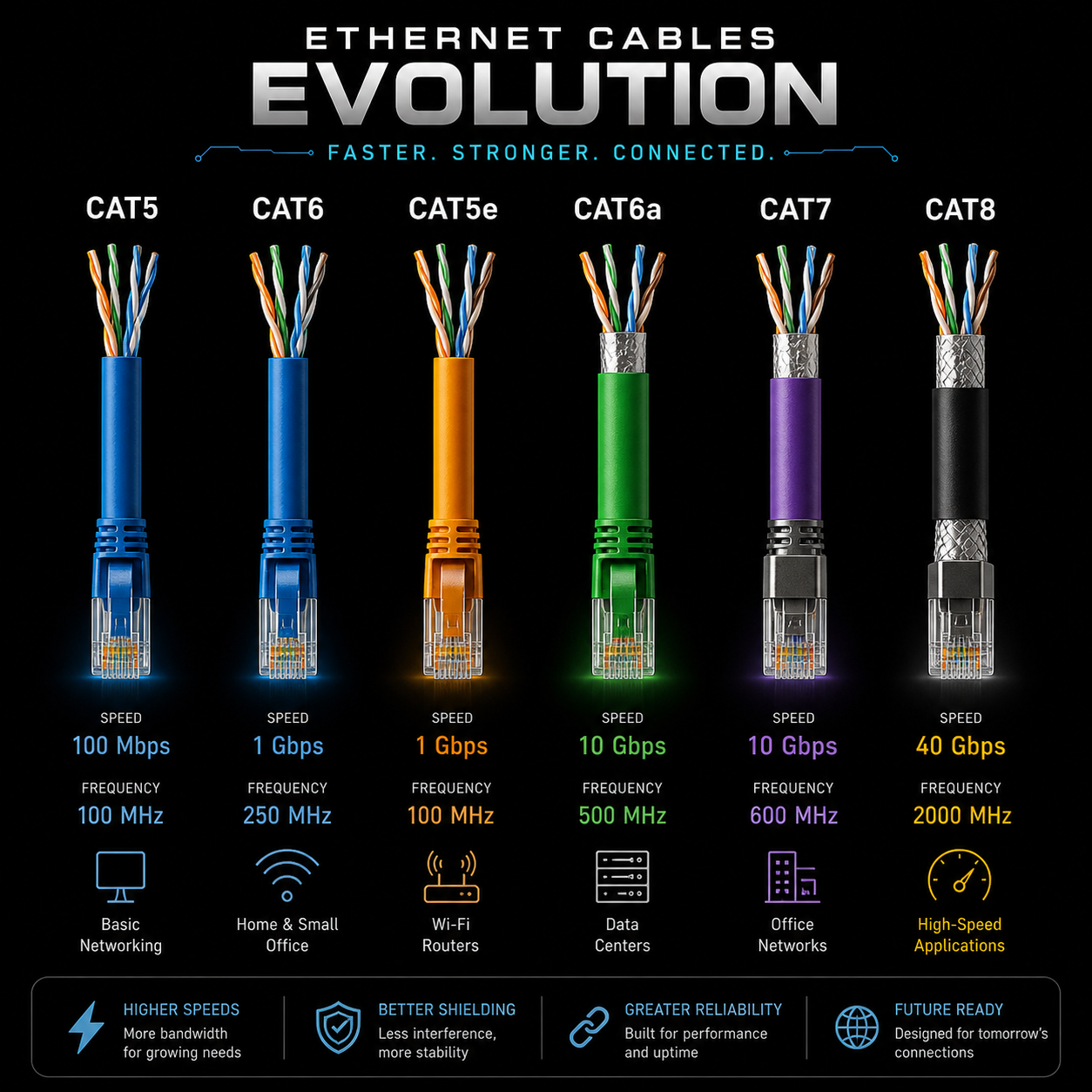
For a normal home, gaming setup, small office, router run, access point, NAS corner or new wall cable, Cat6a is the clean recommendation in 2026. It gives you 10 Gbps up to 100 meters, better noise control than Cat6, and wide compatibility with normal RJ45 ports.
Cat5e is still fine when your network is 1 Gbps. Cat6 is a good budget upgrade. Cat8 is real but belongs in short data-center runs. Cat7 is the one to be careful with because many retail cables sold as Cat7 are not useful upgrades for regular RJ45 gear.
Your network only runs as fast as the slowest real link: modem, router port, switch port, network card, cable, patch panel and settings. A faster cable cannot turn a 1 Gbps port into a 10 Gbps port.
What each category actually means
Cat5e: the old cable that still works
Cat5e supports 1 Gbps up to 100 meters and is still enough for many internet plans, TVs, consoles and basic office runs. Replace it only when you need multi-gig speeds or the cable is damaged.
Cat6: the common safe upgrade
Cat6 supports 1 Gbps to 100 meters and can do 10 Gbps on shorter runs, usually up to about 55 meters in clean conditions. It is flexible, affordable and easy to find.
Cat6a: the best all-around choice
Cat6a is built for 10 Gbps up to 100 meters. It is thicker than Cat6, but it is the practical sweet spot for new wiring because it leaves room for faster switches, PCs and NAS upgrades.
Cat8: powerful, short and specialized
Cat8 is designed for 25 or 40 Gbps links up to 30 meters, mostly between switches and servers. For a home router or console, it is usually wasted money and can be less convenient because the cable is thick and stiff.
The comparison table that should be on the package
| Category | Max speed | Distance | Frequency | Best use |
|---|---|---|---|---|
| Cat5e | 1 Gbps | 100 m | 100 MHz | Basic home networking, older installs, internet up to 1 Gbps. |
| Cat6 | 1 Gbps / 10 Gbps short | 100 m / about 55 m for 10 Gbps | 250 MHz | Gaming, streaming, access points, small office runs. |
| Cat6a | 10 Gbps | 100 m | 500 MHz | New wiring, NAS, multi-gig switches, best general pick. |
| Cat7 | 10 Gbps class | 100 m | 600 MHz | Only worth considering with the right connectors and a real reason. |
| Cat8 | 25-40 Gbps | 30 m | 2000 MHz | Data centers, server racks, switch-to-switch links. |
The Cat7 trap: the connector matters
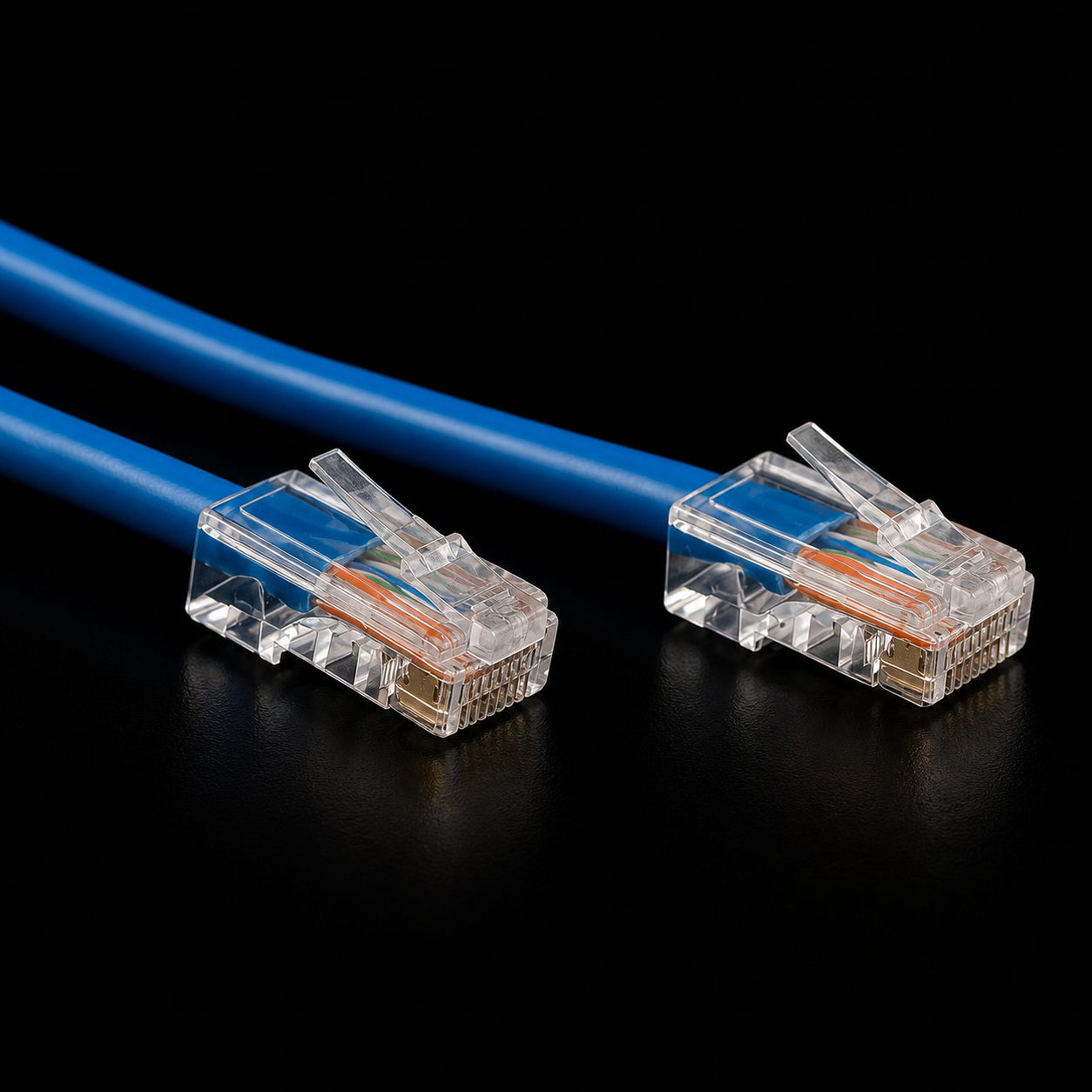
A lot of cables sold online as Cat7 use regular RJ45-style plugs because that is what home routers, PCs and consoles accept. The problem is that the original Cat7 family was tied to different connector designs such as GG45 or TERA, not the typical home RJ45 setup.
That means a random retail Cat7 cable with RJ45 ends may not give you anything meaningful over a good Cat6a cable. If the listing screams Cat7 but avoids clear certification details, treat it as marketing until proven otherwise.
If you are wiring a house or upgrading a setup, skip the Cat7 drama and buy known-good Cat6a. It is official, practical, compatible and easier to troubleshoot later.
How to check what cable you already have
- Read the jacket.
Look along the cable for printed text like CAT5E, CAT6, CAT6A or Category 6. If the print is missing or unreadable, assume it may be older or low quality.
- Check the whole path.
A Cat6a wall run can still be limited by a cheap Cat5e patch cable, old patch panel, 1 Gbps switch or 1 Gbps network card.
- Test wired speed.
Plug directly into the router or switch and compare wired speed with your plan and device port. For local network testing, copy a large file between two wired machines or use a LAN speed test tool.
- Watch for fake flat cables.
Flat cables can be fine for short visible runs, but many cheap flat cables have weaker shielding and thinner conductors. For wall runs or important links, use a proper round cable.
What should you buy?
Basic home internet
Cat5e is acceptable, Cat6 is nicer if the price is close.
New install
Use Cat6a for wall runs, offices, NAS areas and long-term upgrades.
Wi-Fi access points
Cat6 or Cat6a is ideal, especially for PoE access points.
Server rack
Use Cat8 only when your switches and NICs actually support 25G or 40G.
Avoid buying only by the biggest number on the listing. Look for the category, length, copper conductor quality, shielding if you need it, PoE support, return policy and whether the seller is clear about certification.
Simple rule: Cat6 for budget, Cat6a for new wiring, Cat8 for data centers, skip random Cat7.
FAQ
Will Cat8 make my internet faster?
No, not by itself. If your modem, router, switch, device port or internet plan is 1 Gbps, a Cat8 cable will still negotiate around that limit.
Is Cat6 enough for gaming?
Yes. Gaming needs stability and low latency more than huge bandwidth. A good Cat6 or Cat6a cable is more than enough for consoles and gaming PCs.
Should I replace every Cat5e cable?
Only if it is damaged, unreliable or blocking an upgrade. Cat5e is still fine for 1 Gbps networks.
Do I need shielded cable?
Usually not for short home runs. Shielding helps around electrical noise, dense cable bundles and some commercial installs, but it should be grounded correctly.