
ElectroID: Identify Electronic Components with AI
Snap a photo, get instant specs. Resistors, capacitors, ICs, schematics, and IPC-620 reference material in one free browser app.
Disclosure: This post may contain affiliate links. If you buy through these links, MediaBoxEnt may earn a small commission at no extra cost to you.
Read disclosure Support MediaBoxEnt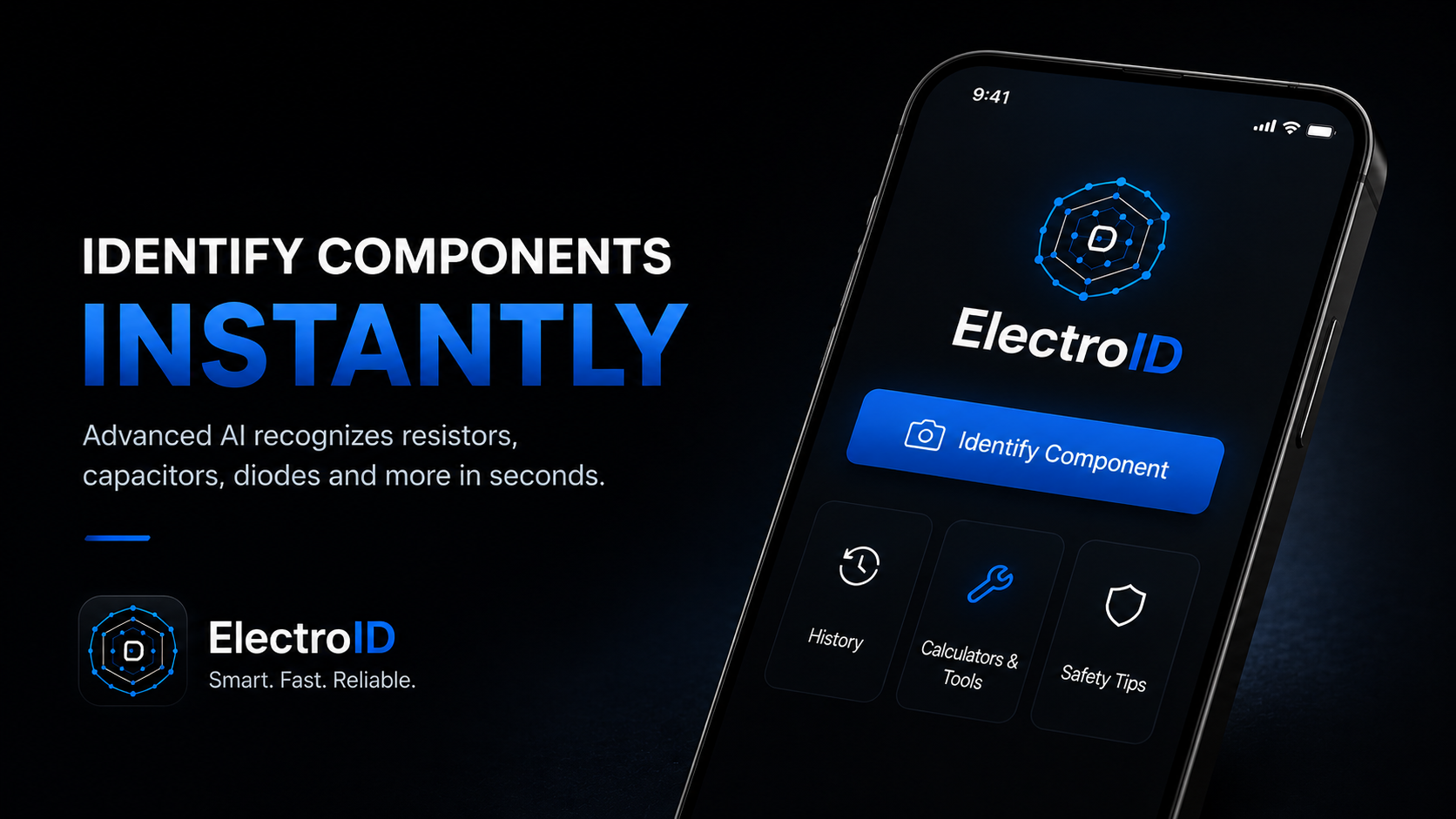
If you've ever stared at a tiny resistor trying to decode those colored bands, or squinted at an unmarked IC chip wondering what it actually does, you know the struggle. Traditional lookup methods like flipping through datasheets, Googling part numbers, or manually calculating values work, but they are slow and easy to mess up.
ElectroID takes a different approach. It's a free, browser-based tool that uses AI to identify electronic components directly from a photo. Point your phone camera at a resistor, a capacitor, an IC, or even a full circuit schematic, and it returns specs, pinouts, and connection guides in seconds. No app store download required. It runs in any browser on any device.
Inside the App
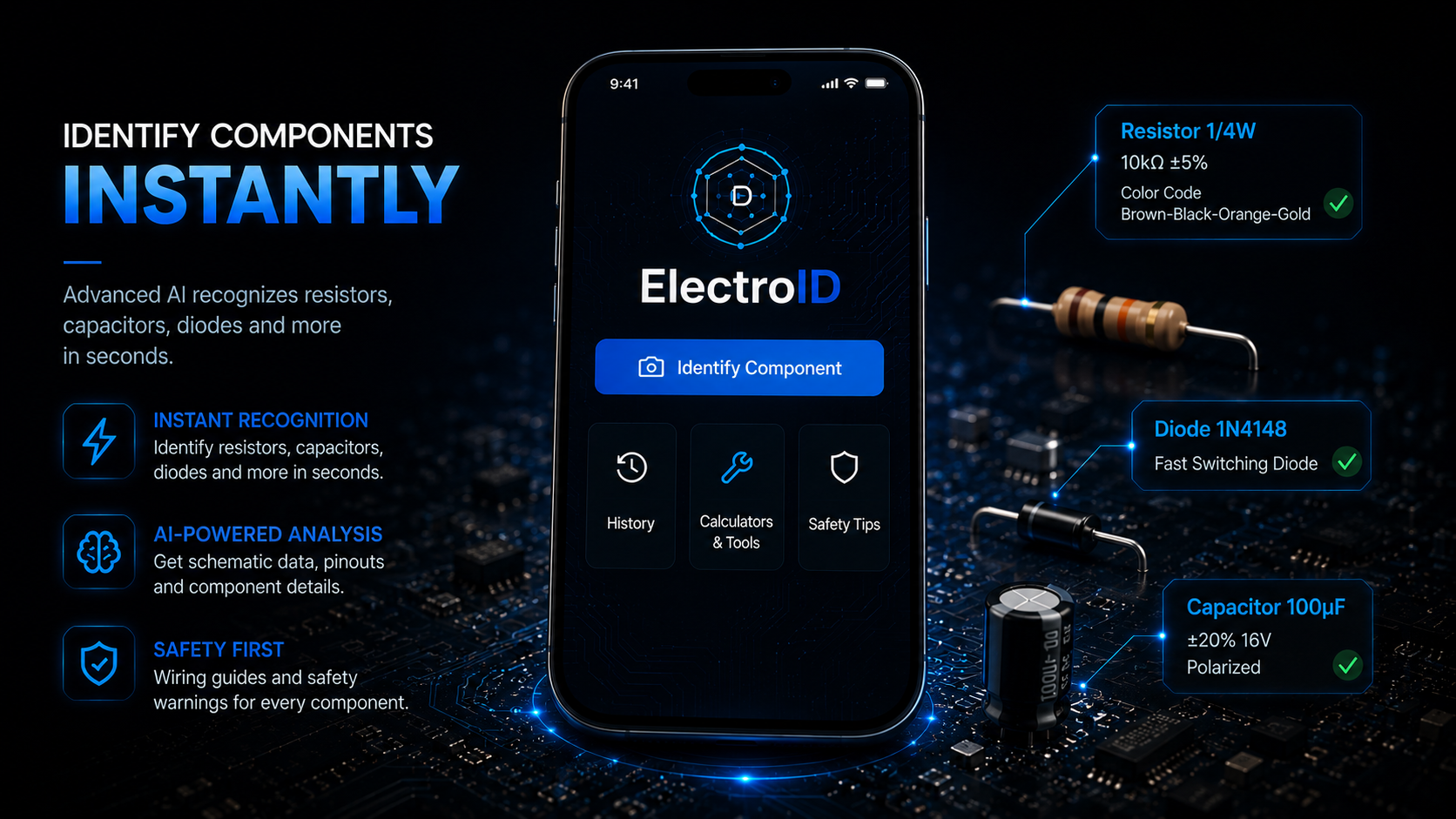
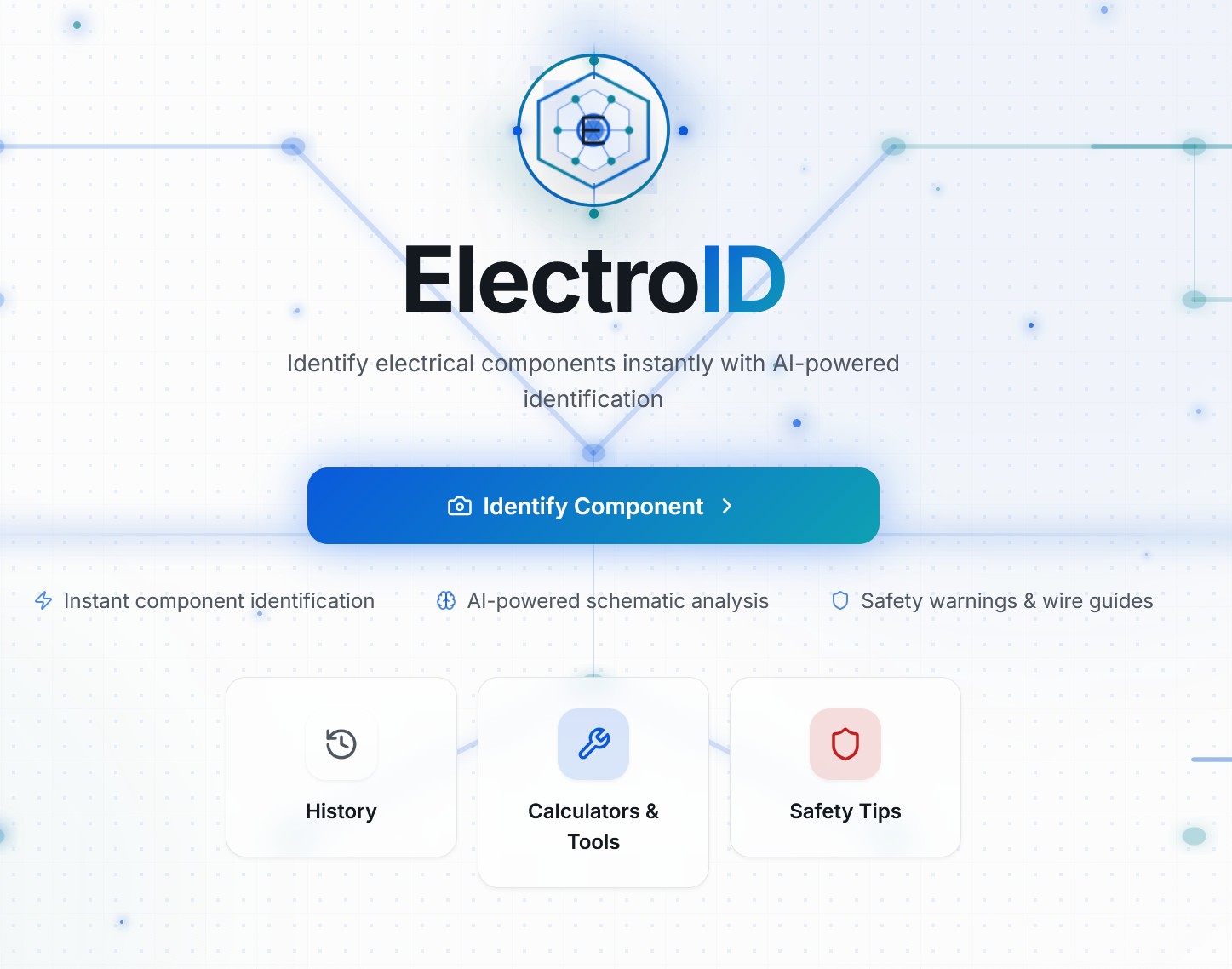
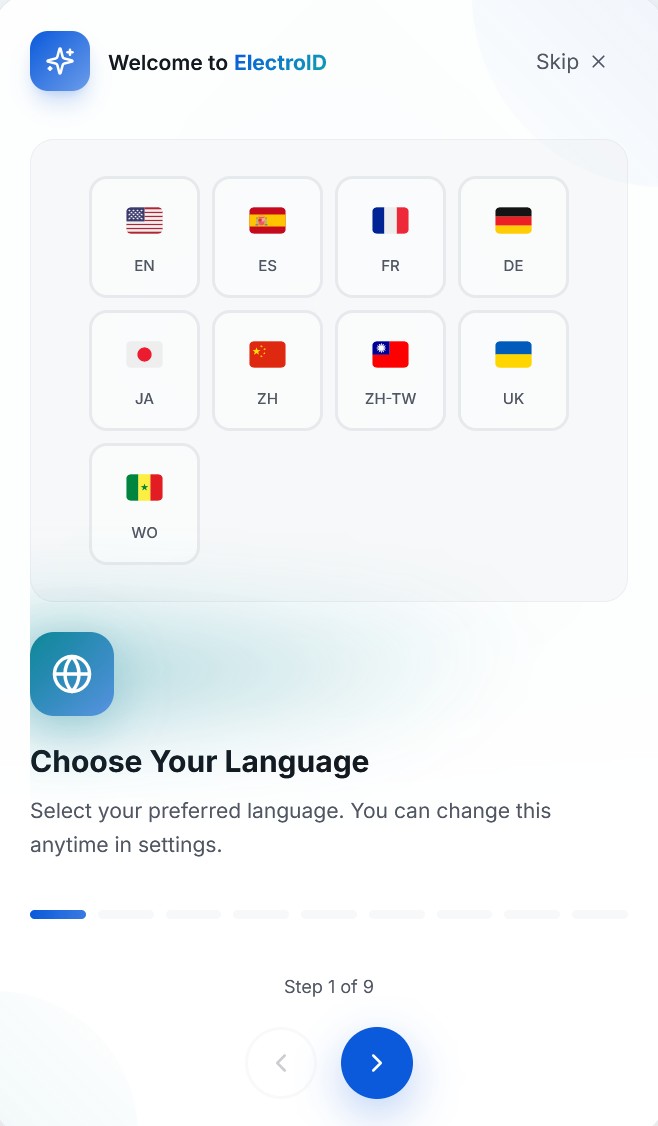
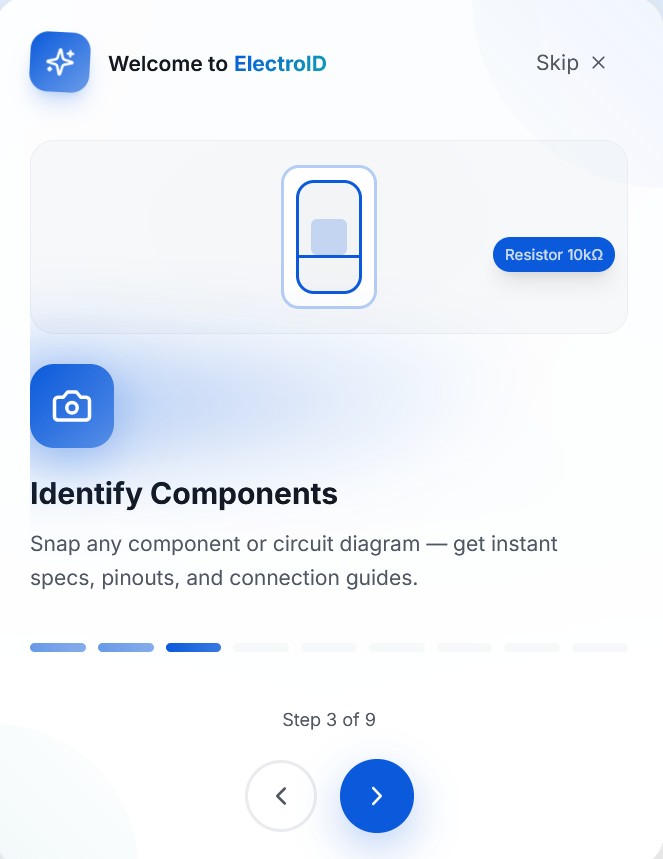
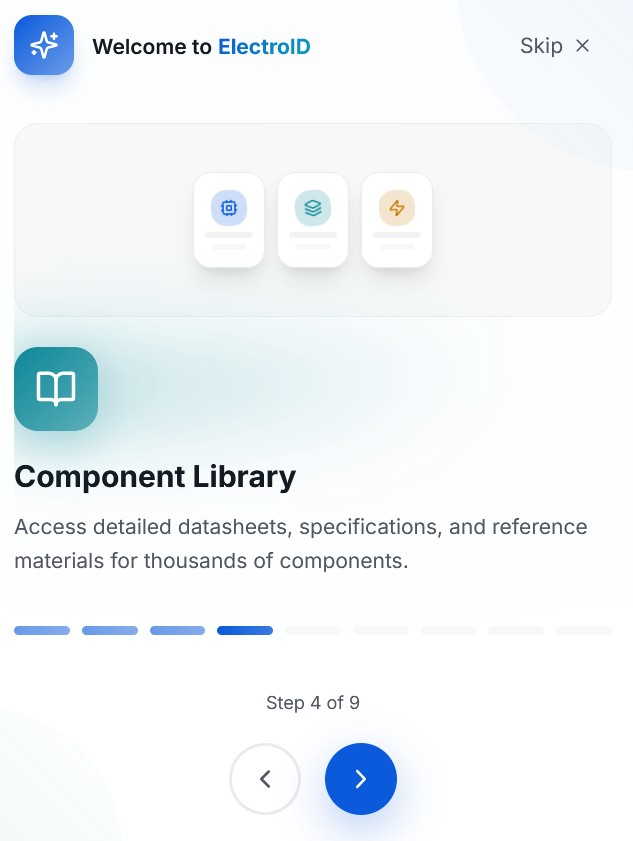
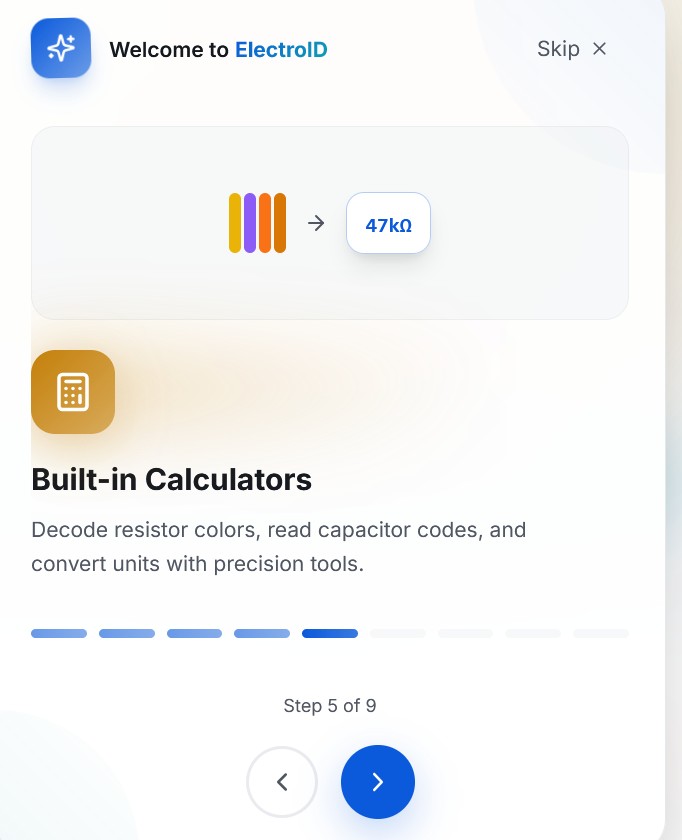
The screenshots show why ElectroID fits the new MediaBoxEnt Apps section: it is not just a calculator list. It feels like a guided tool, with onboarding, language support, scan-first navigation, and clean cards for the features technicians actually need.
What ElectroID Actually Does
The app is structured around six core capabilities, each accessible from a clean top navigation bar. Here's the breakdown:
AI Component Scan
Snap a photo of any component. The AI identifies it and returns value, type, specs, and datasheet references.
Calculators & Tools
Resistor color code decoder, capacitor code reader, inductor calculator, derating tools, conduit sizing, and unit converters.
Component Library
Thousands of components with detailed datasheets, specifications, and reference materials searchable in one place.
Schematic Reading
Upload a circuit diagram and ElectroID analyzes it, identifying components, connections, and potential issues.
Safety Tips
Built-in safety guidance covering LOTO procedures, wire gauge standards, color codes, and connection order protocols.
IPC-620 Reference
Wire harness assembly acceptance criteria based on the IPC/WHMA-A-620 standard, with visual references and class definitions.
How the AI Scan Works
The core feature, and the one that sets ElectroID apart from standard calculator apps, is the AI-powered component identification. Here's the workflow:
Open the Scan Tab
From the navigation bar, tap "Scan" to activate the camera interface. Works on mobile and desktop webcams.
Point & Capture
Frame the component in the viewfinder and snap a photo. The AI works best with clear, well-lit images, with natural light if possible.
Get Instant Results
Within seconds, ElectroID returns the component type, value, specifications, pinout diagram (for ICs), and suggested connections.
Save to History
Every scan is saved to your local history, so you can build a reference library of identified components over time.
The AI doesn't just read color codes. It can analyze component shape, markings, SMD labels, and even PCB context to make predictions. It handles resistors, capacitors, transistors, ICs, inductors, and diodes.
Built-in Calculators & Tools
Beyond the AI scan, ElectroID ships with a full suite of electronics calculators. The resistor color code decoder is the star here, you select each band color on an interactive visual resistor, and it calculates the value in real-time. It supports 4-band, 5-band, and 6-band resistors, plus SMD codes.
The calculator suite also includes:
Each calculator uses clean, intuitive controls. The resistor tool in particular stands out because you get a live-rendered resistor graphic that updates as you click each color band, with the calculated value displayed prominently below (e.g., 1.00 kΩ ±5%).
IPC-620: Wire Harness Assembly Standards
🏭 What Is IPC/WHMA-A-620?
IPC/WHMA-A-620 is the only industry-consensus standard for cable and wire harness assembly acceptance. Originally published in 2002 by IPC and the Wire Harness Manufacturers Association (WHMA), it defines materials, methods, testing, and acceptance criteria for crimped, mechanically secured, and soldered interconnections. The current revision is Rev F (2025).
The standard organizes quality into three classes: Class 1 (general electronics), Class 2 (dedicated service electronics), and Class 3 (high-performance/life-critical products like aerospace and medical devices).
ElectroID integrates IPC-620 reference material directly into the app. This means maintenance technicians and quality inspectors can pull up acceptance criteria, visual references for crimp quality, solder standards, and wire prep requirements right from their phone, no need to carry the physical standard document on the job.
For anyone working in manufacturing, automotive wiring, or aerospace cabling, having IPC-620 content available alongside the AI scanner is a significant time-saver. You scan an unknown component, identify it, then immediately cross-reference the assembly standard, all in the same app.
Safety-First Approach
One thing that impressed us about ElectroID is the dedicated Safety Tips section. Instead of burying safety information in footnotes, it gets its own navigation tab with content segmented by audience, Maintenance technicians, DIY enthusiasts, Students, and Field electricians.
This makes ElectroID more than just a lookup tool. It actively promotes safer work habits, which matters a lot when you're dealing with live circuits or high-voltage components.
Who Is ElectroID For?
Maintenance Technicians get the most value from ElectroID. Quickly scan unmarked components on aging equipment, verify replacement specs against originals, pull up IPC-620 acceptance criteria for wire harness work, and document scanned components for maintenance records and handoff documentation. The AI scanning alone saves significant time compared to manual part number lookups.
DIY builders can use it to identify salvaged components, students benefit from the interactive calculators and component library for learning, and field electricians have quick access to wire standards and safety protocols without pulling out reference books.
ElectroID vs Traditional Tools
| Feature | ElectroID | Electrodoc | Manual Lookup |
|---|---|---|---|
| AI Photo Recognition | ✓ Yes | ✗ No | ✗ No |
| Resistor Color Code | ✓ Interactive | ✓ Yes | Manual chart |
| Schematic Analysis | ✓ AI-powered | ✗ No | Manual |
| IPC-620 Reference | ✓ Built-in | ✗ No | Separate book |
| Safety Guidelines | ✓ Per audience | ✗ No | Separate source |
| Multi-language | ✓ 9 languages | ✓ Multi | Varies |
| Price | Free | Free / $3 Pro | Free / varies |
| Platform | Web (any device) | Android only | Books / websites |
The Verdict
✓ What We Like
- AI scan is fast and surprisingly accurate
- Clean, modern interface without clutter
- IPC-620 and safety content built-in
- 9 languages out of the box
- Free, no account required
- Works on any device with a browser
- Schematic and diagram analysis
✗ Room for Improvement
- No native mobile app yet (PWA only)
- Accuracy depends on photo quality
- Component library still growing
- No offline mode for field use
- Scan history is local, with no cloud sync
ElectroID is not trying to replace full-blown engineering tools like Altium or KiCad. It's solving a specific, practical problem: what is this component, and how do I use it? For that purpose, it's remarkably effective. The combination of AI recognition, interactive calculators, IPC-620 reference, and safety guidelines makes it a genuine all-in-one field companion.
If you work with electronics in any capacity, from fixing old boards in your garage to maintaining industrial equipment on the factory floor, ElectroID deserves a spot in your browser bookmarks.
Try ElectroID: It's Free
Open it in your browser, scan a component, and see for yourself.
Open ElectroIDFrequently Asked Questions
Yes. It's a free web app with no downloads, no accounts, and no subscriptions required. Just open it in your browser and start scanning.
Resistors (through-hole and SMD), capacitors, integrated circuits, transistors, inductors, diodes, and more. It can also read full circuit schematics and diagrams.
Yes. It includes IPC/WHMA-A-620 reference content for wire harness assembly acceptance, covering crimp quality, solder standards, and class definitions.
Nine languages: English, Spanish, French, German, Japanese, Chinese Simplified, Chinese Traditional, Ukrainian, and Wolof.
Yes. ElectroID is a web app that runs in any modern browser, including Safari, Chrome, and Firefox. No app store download needed.