
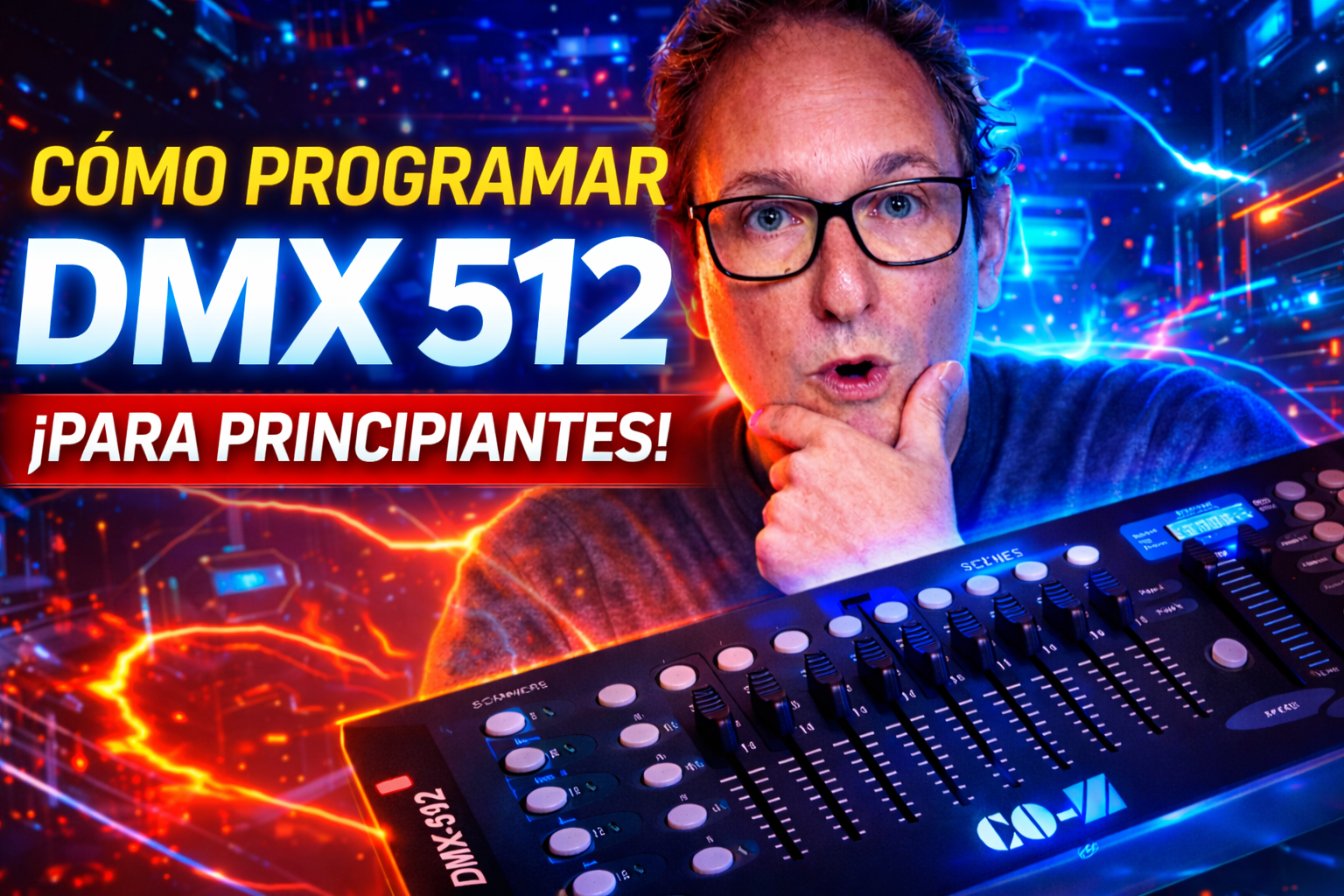
What DMX 512 means
DMX is the language many stage lights, moving heads, fog machines and RGB fixtures use to receive commands. A DMX universe has up to 512 control channels.
A channel is one control lane. On one light, channel 1 might control pan, channel 2 might control tilt, channel 3 might control color, and another channel might control dimmer or strobe. Every fixture is different, so the fixture manual matters.
Think of DMX like a row of numbered sliders. The controller sends values from 0 to 255, and the light reacts based on what each numbered channel does.
Why a 512 controller can say 192
Many beginner controllers are sold as DMX 512 because they speak the DMX 512 protocol, but the front panel is organized as 12 fixtures with 16 channels each.
512
- The maximum channel count in one DMX universe.
- The protocol the controller uses to talk to lights.
- Not always the number of faders you can control directly from the panel.
192
- 12 fixture buttons times 16 channels each.
- A practical layout for small shows and beginners.
- Enough for many moving heads, RGB lights and simple effects.
Set addresses in blocks of 16
This is the part that confuses almost everyone at the beginning. On this style of controller, each fixture button owns a 16-channel block. That means fixture 1 starts at address 1, fixture 2 starts at 17, fixture 3 starts at 33, and so on.
If you set fixture 2 to address 2 instead of 17, both lights can react to the wrong controls and the channels will feel mixed. That is the classic beginner mistake.
Scenes and banks
A scene is one saved lighting look. For example: moving head pointing forward, dimmer up, blue color, no strobe. When you save that look, the controller remembers the fader values.
On this controller, each bank can store up to 8 scenes. You can switch banks to organize different looks for a song, a party, a stage setup or a live show.
- Enter program mode.
Hold Program until the display starts blinking.
- Select the fixture.
Choose the scanner or fixture button you want to control.
- Move the faders.
Set pan, tilt, color, dimmer, strobe or any channel your light supports.
- Save the scene.
Use MIDI/Add, then press the scene button where you want to store the look.
Chases, speed and fade time
A chase is a sequence of scenes. Instead of pressing scene 1, scene 2 and scene 3 by hand, you add them into a chase and let the controller run them automatically.
Most beginner controllers let you create 6 chases, and each chase can hold many steps. In the video, the simple example uses three scenes so you can see the movement clearly.
After saving a chase, select the chase, turn off blackout, press Auto and move the Speed fader. If Speed is at zero or the controller is still in manual mode, it can look like the chase did not save.
Watch the full DMX tutorial
The video shows the controller, the light, the address setup, basic programming, banks, scenes and the chase timing controls in action.
Gear mentioned in the tutorial
Check the fixture manual before buying or programming. The most important detail is how many DMX channels your light uses and what each channel controls.
FAQ
Can I control more than one light with one fixture button?
Yes. If multiple lights use the same DMX address, they will respond together. That is useful when you want matching movement or colors, but not when you need independent control.
What if my light only uses 6 channels?
That is fine. The controller still gives that fixture a 16-channel block. The unused channels simply do nothing for that light.
Why does blackout make everything look broken?
Blackout turns the output off or forces the fixtures into a dark state. If your scenes or chase are saved but nothing shows, check blackout first.